Andrew Rossi
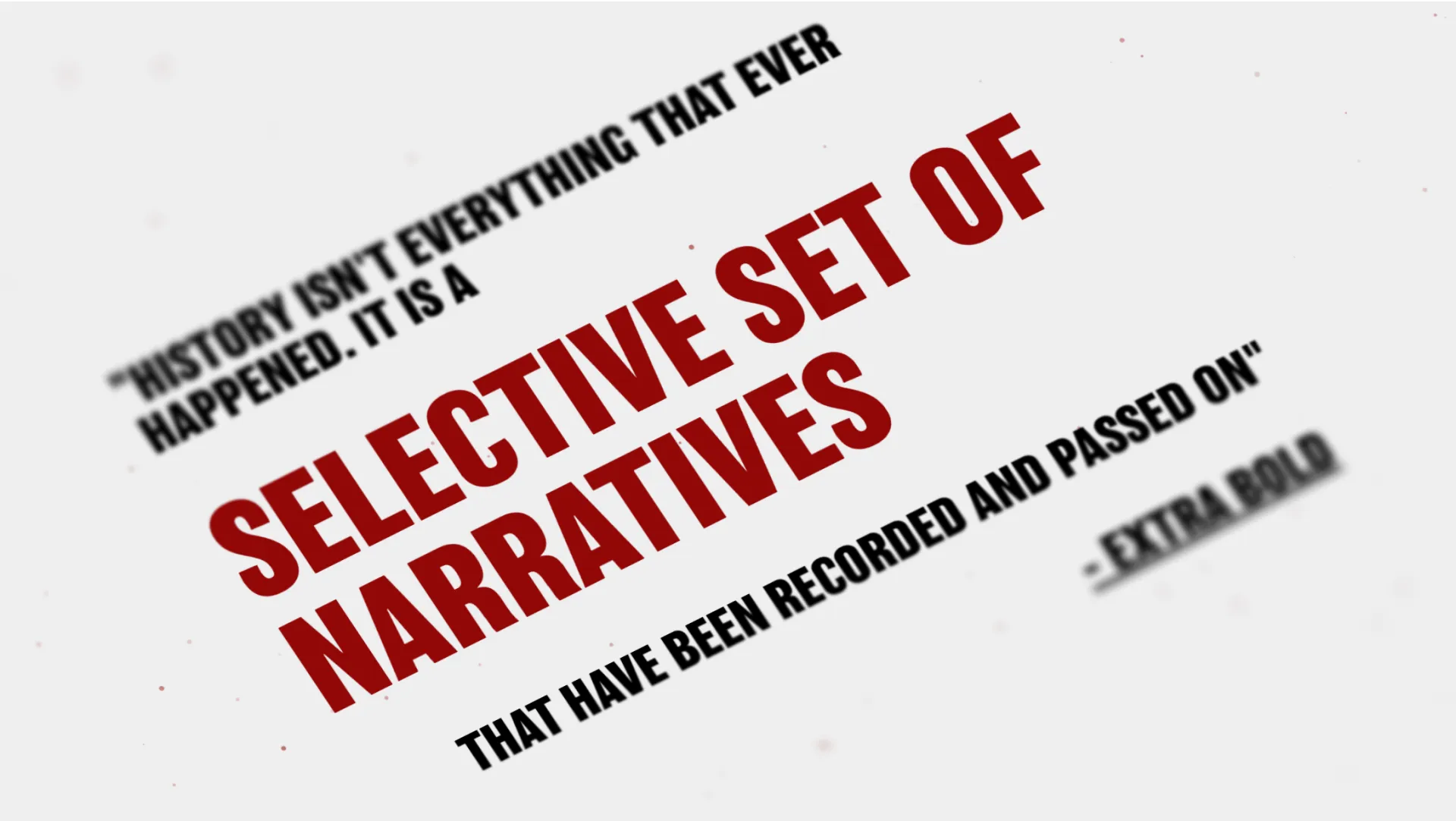
An interactive website that challenges our perceptions of design history.
Development
UI/UX
Web
Over the first few weeks of class, we collaborated on a collective timeline exploring how design has been represented throughout history. Guided by the question “What has been lost? What has been remembered, and why?”, we examined the gaps and biases in design history.
In response, I created this interactive website to invite users to reflect on their own understanding of design history. By building their own timeline, users confront the same questions we’ve been asking, prompting deeper awareness of what stories are told, and which ones are missing.
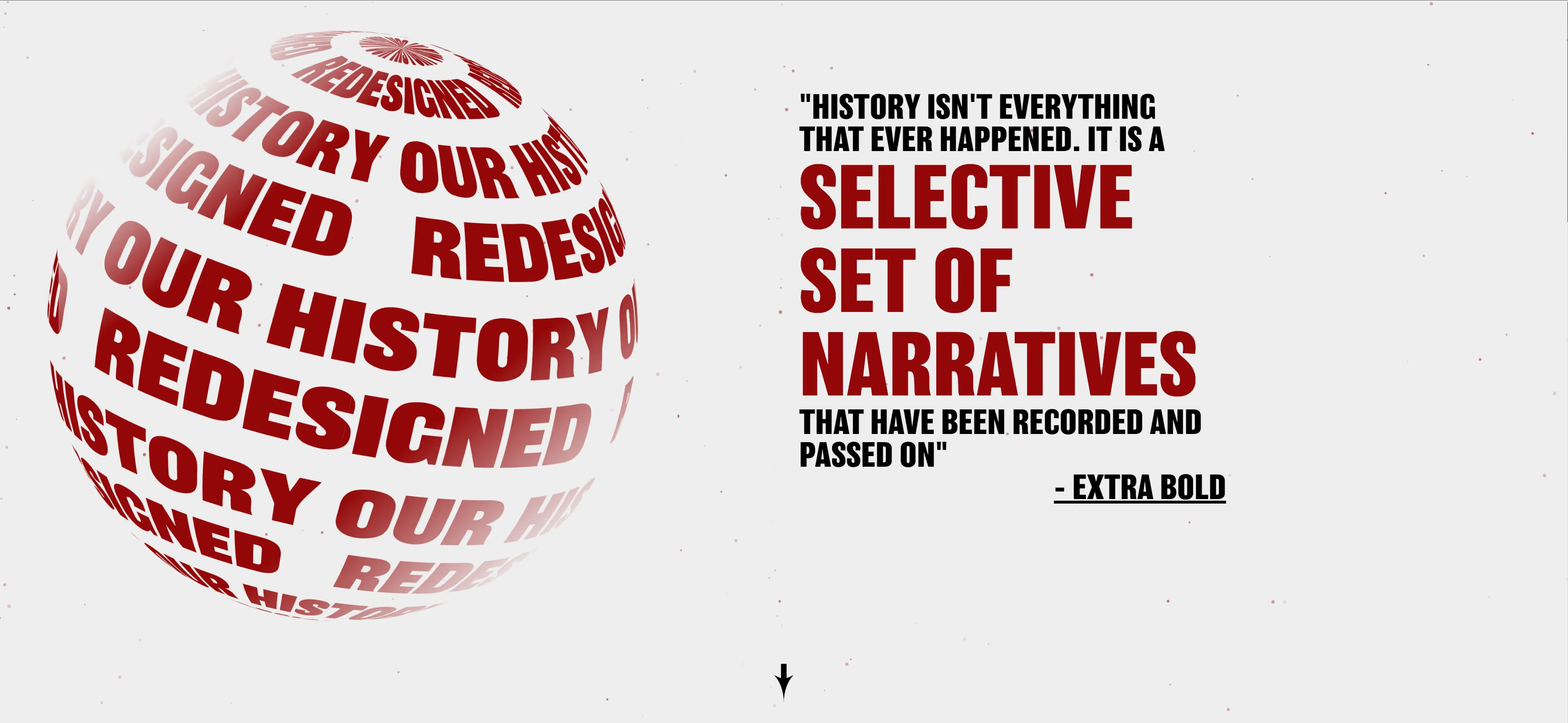
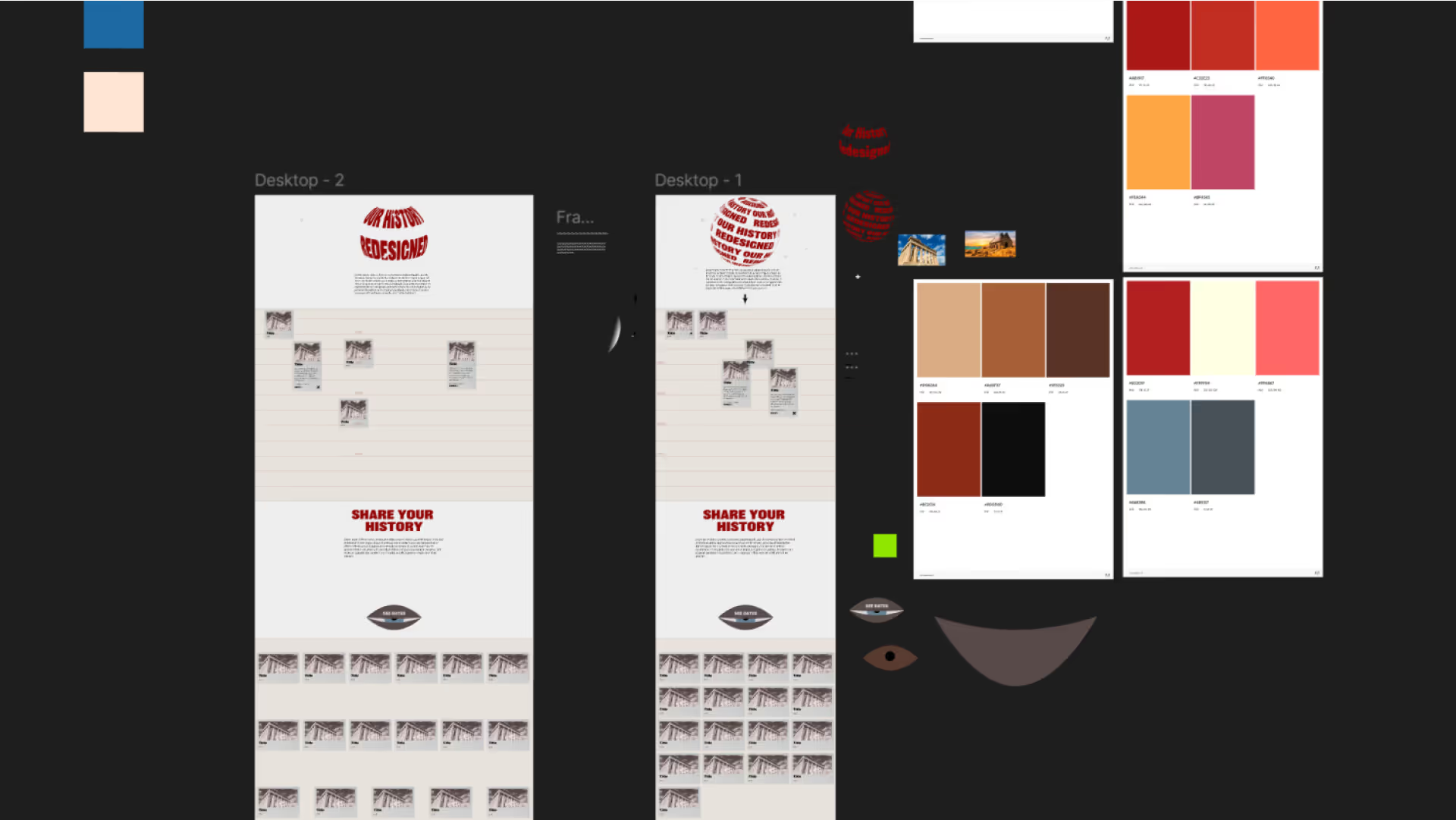
With only a few days to explore visual design, I quickly translated my ideas into Figma, defining core styles like typography, color, and iconography. I chose neutral tones to let red type and photography take visual priority. The bold red elements highlight shared human themes, underscoring ideas of global design and inclusive representation.
I utilized Webflow for the bulk of the implementation, and utilized custom code for certain effects.

Particles JS
Furthering the theme of global design, I wanted to create the illusion of stars in the background, I used Vincent Garreau's particles.js library. This was super easy to setup and configure .
View Particles.js<style>
canvas {
display: block;
vertical-align: bottom;
}
</style>
particlesJS("particles-js", {
"particles": {
"number": {
"value": 221,
"density": {
"enable": true,
"value_area": 1920
}
},
"color": {
"value": "#920707"
},
"shape": {
"type": "circle",
"stroke": {
"width": 0,
"color": "#000000"
},
"polygon": {
"nb_sides": 3
},
"image": {
"src": "img/github.svg",
"width": 100,
"height": 100
}
},
"opacity": {
"value": 0.552,
"random": true,
"anim": {
"enable": false,
"speed": 0,
"opacity_min": 0.016205222943354653,
"sync": false
}
},
"size": {
"value": 2.9,
"random": true,
"anim": {
"enable": false,
"speed": 40,
"size_min": 0.1,
"sync": false
}
},
"line_linked": {
"enable": false,
"distance": 0,
"color": "#ffffff",
"opacity": 0,
"width": 0
},
"move": {
"enable": true,
"speed": 0.3,
"direction": "none",
"random": true,
"straight": false,
"out_mode": "out",
"bounce": false,
"attract": {
"enable": false,
"rotateX": 0,
"rotateY": 0
}
}
},
"interactivity": {
"detect_on": "canvas",
"events": {
"onhover": {
"enable": true,
"mode": "bubble"
},
"onclick": {
"enable": true,
"mode": "push"
},
"resize": true
},
"modes": {
"grab": {
"distance": 400,
"line_linked": {
"opacity": 0
}
},
"bubble": {
"distance": 291.6940129803838,
"size": 2,
"duration": 3.7272012769715706,
"opacity": 1,
"speed": 3
},
"repulse": {
"distance": 72.92350324509594,
"duration": 0.4
},
"push": {
"particles_nb": 4
},
"remove": {
"particles_nb": 2
}
}
},
"retina_detect": true
});
gsap.registerPlugin(Draggable);
Draggable.create(".event-card", {
bounds: document.getElementById("drag-container")
});
Dragging
To easily allow the user to drag and drop the cards, I used GSAP draggable.
Random Position
I wanted each card to be positioned randomly upon entering the site, so the user would not have any inclination as to where the cards should go.
var divs = document.querySelectorAll(".event-card");
for (var i = 0; i < divs.length; i++) {
divs[i].style.position = "absolute";
divs[i].style.left = Math.random() * 60 + "%";
divs[i].style.top = Math.random() * 60 + "%";
}
History Redesigned turns a classroom debate, whose design history gets remembered and whose gets left out, into something a visitor performs for themselves. Building the timeline by hand makes those gaps impossible to ignore, the same realization our class arrived at together. It also pushed me to pair Webflow with custom JavaScript (particles.js and GSAP) to make an academic idea feel tactile and alive. Given more time, I'd prompt users to notice what's missing from their finished timeline, turning a clever interaction into a genuine moment of reflection.

Webflow

Adobe CC

Figma

GSAP